Login/Sign Up Sign Out
{{ messageCategory.totalUnreadNum }}
APSGO LOGO
{{ item.sku_info.spec_desc }}
{{ item.count }}x
Combination {{ combo.product.name }}
{{ combo.sku_info.spec_desc }}
x1
Total Price:
View Cart
No APPS available
{{ carts.count }}件
Cart
Home Overview Writage - Smart Markdown plugin software for MS Word
Writage - Smart Markdown plugin software for MS Word
-12% OFF!
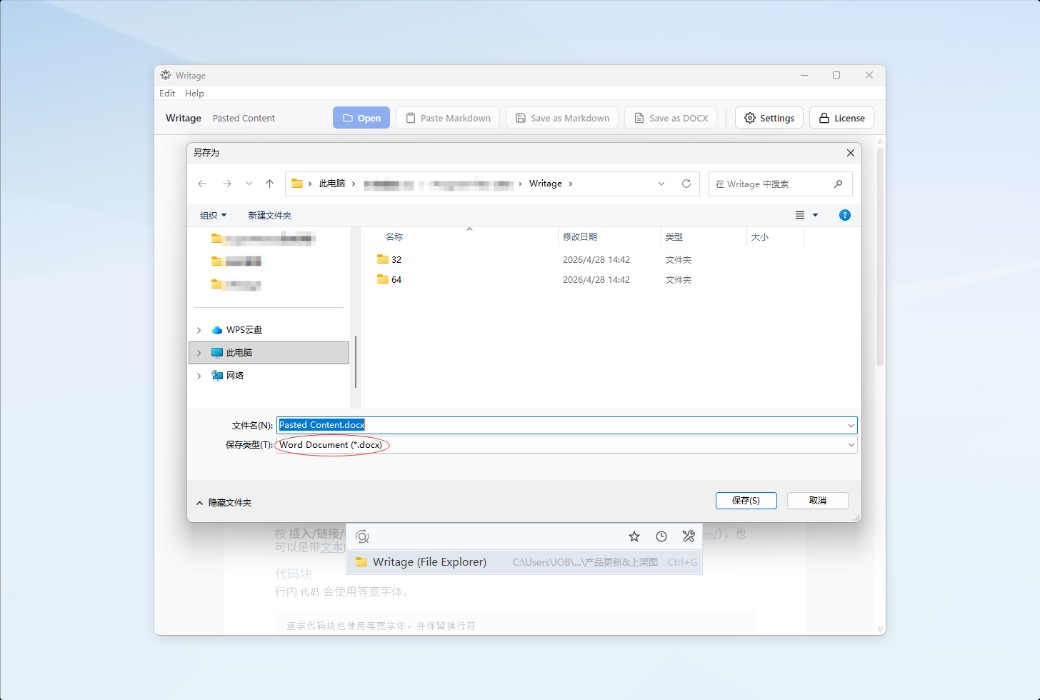
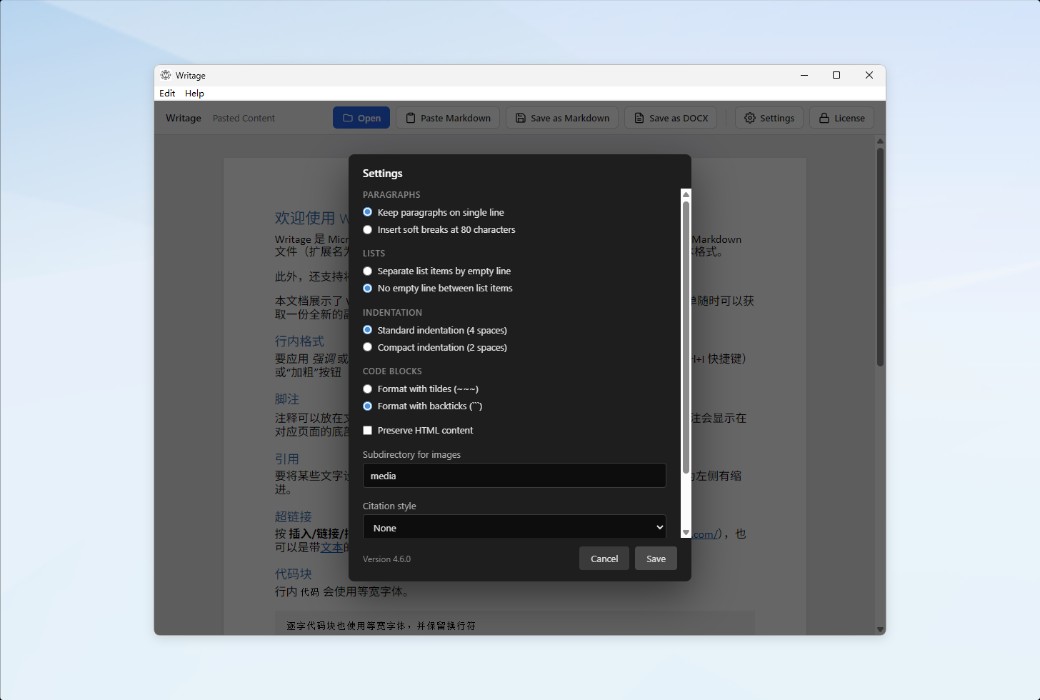
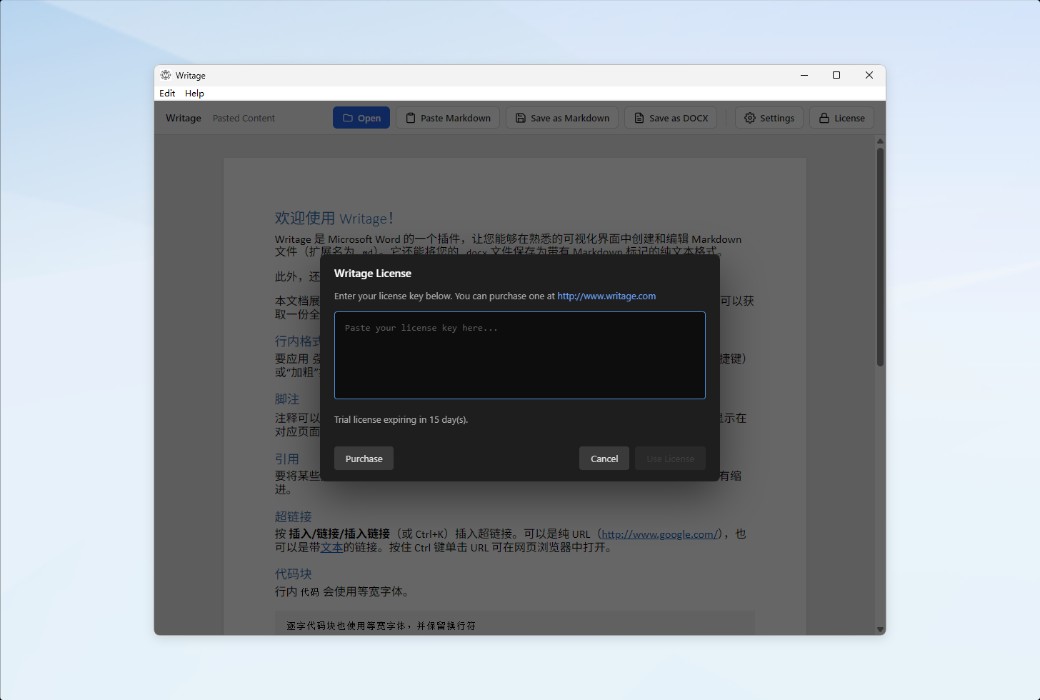
Writage - Smart Markdown plugin software for MS Word截图 Writage - Smart Markdown plugin software for MS Word截图 Writage - Smart Markdown plugin software for MS Word截图 Writage - Smart Markdown plugin software for MS Word截图 Writage - Smart Markdown plugin software for MS Word截图 Writage - Smart Markdown plugin software for MS Word截图 Writage - Smart Markdown plugin software for MS Word截图
Download
Writage - Smart Markdown plugin software for MS Word U.K.
Writage is a MS Word plugin that enables direct creation, opening, and editing of Markdown files within Word, facilitating bidirectional conversion between DOCX and Markdown. It supports CommonMark and GitHub extension syntax, preserving the formatting, tables, code blocks, and mathematical formulas of AI-generated content. No Markdown foundation is required to get started.
Version:
1 User
* Purchase this specification to receive the following gifts : ( Buy 1 or more items and the offer is valid until stock lasts )
x {{ item.count }}
{{ info.promotion.title }}
Note: In seckill, once sold out, the original price will be restored!
Hurry! Limited-time offer ends soon!
Currently available last {{ sku.promotion_count }} items
{{ info.advancePromotion.title }}
Preview of seckill, event price: {{ info.advancePromotion.skus_infos[sku.sku].promotion_price }} CNY
The inventory available for seckill is {{ info.advancePromotion.skus_infos[sku.sku].promotion_count }} items
Retail Price
Specifications
Not Selected
Group Buying
There is currently no Group Buying available, please open a group
{{ item.spec_desc }}
{{ item.user.nickname }} In {{ item.created_at }} Start Still need {{ item.left_count }}x Pending Group Buying, some users have not paid
Join

Activity Rules

1、Activity time:{{ info.groupon.start_at }} ~ {{ info.groupon.end_at }}。

1、Activity time:cease when sold out。

2、Validity period of the Group Buying:{{ info.groupon.expire_days * 24 }} hours。

3、Number of Group Buying:{{ info.groupon.need_count }}x。

Please Pay Attention

1、Teamwork process: Join/initiate a Group Buying and make a successful payment - Within the validity period, the number of team members meets the activity requirements - Group Buying succeeded!

2、If the number of participants cannot be met within the valid period, the group will fail, and the paid amount will be refunded in the original way.

3、The number of people required and the time of the event may vary among different products. Please pay attention to the rules of the event.

{{ item }} ({{ app.qa.questionsData.total }})

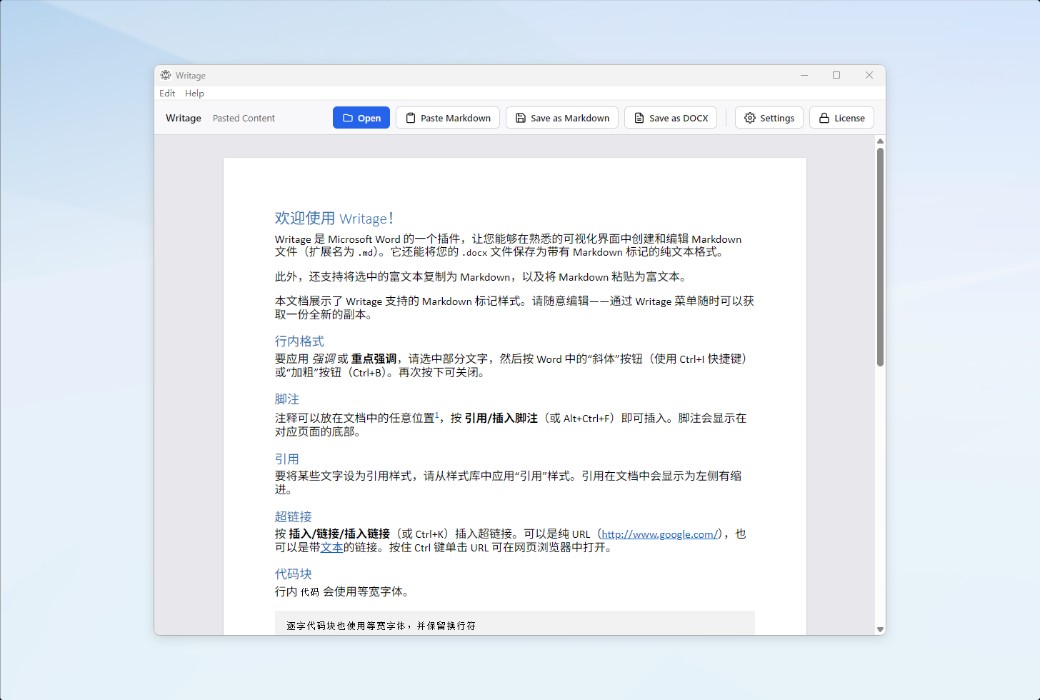
Writage is an intelligent Markdown plugin for MS Word


  1. Copy/paste content from ChatGPT, Claude, and Gemini.
  2. Open and edit Markdown files in Microsoft Word.
  3. Convert DOCX documents to Markdown.
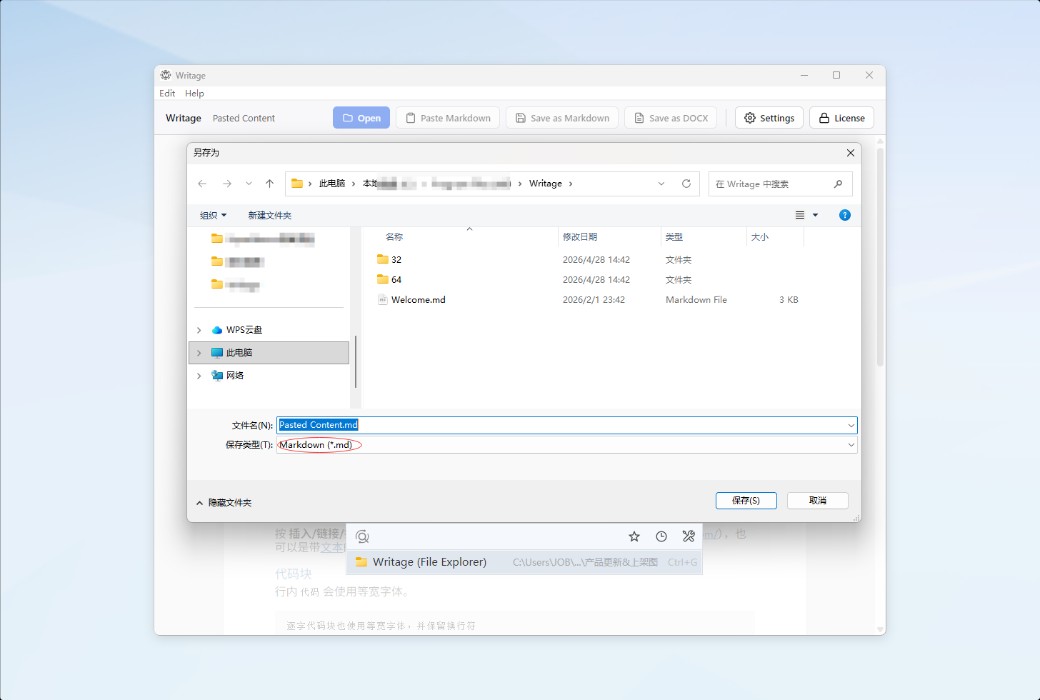
  4. Convert Markdown files to DOCX.
  5. Easily handle mathematical formulas and equations.


Specifically designed for MS Word users who want to work with Markdown files.


Easy to Get Started


All Markdown syntax is centralized in one MS Word ribbon. You don't need to understand which document styles Markdown supports.


Word ↔ Markdown


Writage provides a convenient way to convert DOCX documents to Markdown format and vice versa. Additionally, you can create, open, and edit Markdown documents just like you do with other MS Office documents.


Copy from ChatGPT


Writage makes it easy to import AI-generated content into MS Word. Copy content from ChatGPT and paste it into your DOCX document, and formatting, lists, tables, code blocks, and mathematical expressions will be preserved.


Markdown Syntax


Writage supports the CommonMark standard (currently the most widely used Markdown specification) and most of the extended syntax of GitHub Flavored for advanced formatting.

Writage - Smart Markdown plugin software for MS Word LOGO

Official Website: https://www.writage.com/

Download Center: https://writage.apsgo.cn

Shipping Time: Manual online processing for shipping

Operating Platform: Windows, macOS

Interface Language: Supports English interface display.

Update Instructions: Supports 1-year update and upgrade.

Trial Before Purchase: Free trial available before purchase.

How to Receive the Product: After purchase, the activation information will be sent to the email address used for ordering via email. Additionally, the corresponding product activation code can be viewed in the personal center, under "My Orders".

Number of Devices: Can be installed on 1 computer.

Changing Computers: Uninstall on the original computer and activate on the new computer.

Activation Guide: To be added.

References: https://www.writage.com/

Any question

Submit
Ask a question
All Default Newest